

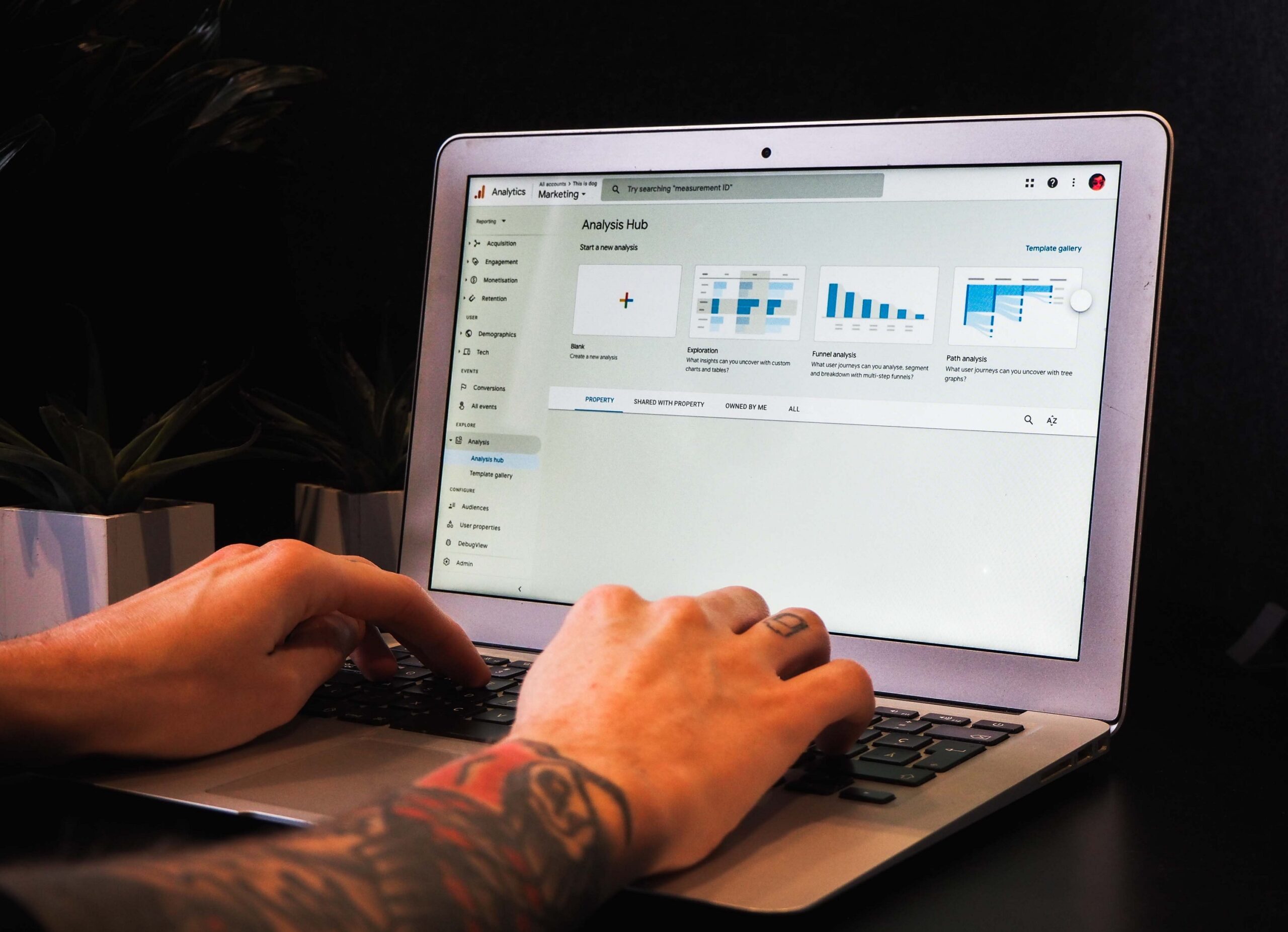
As a website owner, you’re always looking for ways to boost traffic. And, if you’re using Google Analytics, you have access to a wealth of data that can help you do just that. There are dozens of reports in GA, but which ones should you look at if you want to see a real traffic boost? In this blog post, we’ll share 4 reports that can help. From understanding which channels are bringing you the most traffic to seeing which pages need improvement, these reports will give you the insights you need to make changes that result in more traffic (and hopefully more conversions).
Traffic Overview
1. Traffic Overview
When looking at your traffic in Google Analytics, there are a few key things to keep an eye on to make sure you’re driving the most traffic possible to your website. Here are a few of the most important reports to look at:
-The All Traffic report will show you where your traffic is coming from, whether it’s organic, direct, referral, or social. This is a good place to start if you want to get an overview of your traffic sources.
-The Channels report will show you how different channels (like organic search or social media) are performing. This can be helpful in determining which channels are most effective at driving traffic to your site.
-The Referrals report will show you which websites are sending traffic your way. This can be helpful in identifying new opportunities for partnership or promotion.
-The Keywords report will show you which keywords are being used to find your website. This can be helpful in tailoring your content and SEO strategy to target the right keywords and drive more relevant traffic.
Acquisition Report
1. Acquisition Report
This report provides data on how users are finding your website, whether through organic search, paid search, direct traffic, or other referral sources. This information can be valuable in helping you to identify where you should focus your marketing efforts to drive more traffic to your site.
2. behavior Report
This report provides insights into how users are interacting with your website once they arrive, including what pages they visit, how long they stay on each page, and what actions they take while on your site. This information can help you to optimize your website for better engagement and conversions.
3. Audience Report
This report provides demographic information about your users, such as their location, age, gender, interests, and other factors. This information can help you to better understand who your target audience is and how best to reach them.
Behavior Report
1. Behavior Report
If you’re looking to boost traffic, the first thing you should do is take a look at your behavior report in Google Analytics. This report gives you an overview of how people are interacting with your site, and can help you identify areas where you need to improve.
For example, if you see that people are leaving your site after only viewing one page, that’s a clear sign that you need to work on your content and make it more engaging. Alternatively, if you see that people are spending a lot of time on your site but not converting into customers, that’s an indication that you need to work on your sales funnel.
By understanding how people are behaving on your site, you can make the necessary changes to boost traffic and improve your business.
Conversion Report
There are many reports in Google Analytics that can help you boost traffic to your website. The “Conversion Report” is one of the most important.
This report shows you how many people have completed a desired action on your website, such as making a purchase or signing up for a newsletter. It also includes information on why people didn’t convert, so you can make changes to improve your conversion rate.
If you want to boost traffic, it’s important to look at the Conversion Report regularly and make changes based on the data you see. By doing this, you’ll be able to increase the number of people taking the desired action on your website, which will lead to more traffic and ultimately more success for your business.
How to Use Google Analytics to Boost Traffic
1. How to Use Google Analytics to Boost Traffic
Google Analytics is a powerful tool that can help you boost traffic to your website. By understanding how your website is being used, you can make changes that will encourage more people to visit your site.
One of the first things you should do in Google Analytics is set up goals. Goals allow you to track specific actions that users take on your website. This can be anything from subscribing to your newsletter to making a purchase. When you know what actions you want users to take, you can work on improving the areas of your website that will encourage those actions.
Next, take a look at your website’s bounce rate. The bounce rate is the percentage of visitors who leave your site after viewing only one page. A high bounce rate indicates that users are not finding what they’re looking for on your site. To lower your bounce rate, try making changes to the design and content of your website. Make sure that your pages are easy to navigate and that the content is relevant and interesting.
Another important metric to look at is time on site. This tells you how long visitors are staying on your site. If people are only spending a few seconds on your site, it’s likely because they’re not finding what they need. To keep people engaged, make sure that your content is well-organized and easy to read. Adding multimedia elements like images and videos can also help keep people interested in what you have to say.